easi.run
easi.run gives AI agents Chrome sessions on your own Linux server, with MCP and REST access, a live viewer, human takeover and encrypted saved profiles
Overview
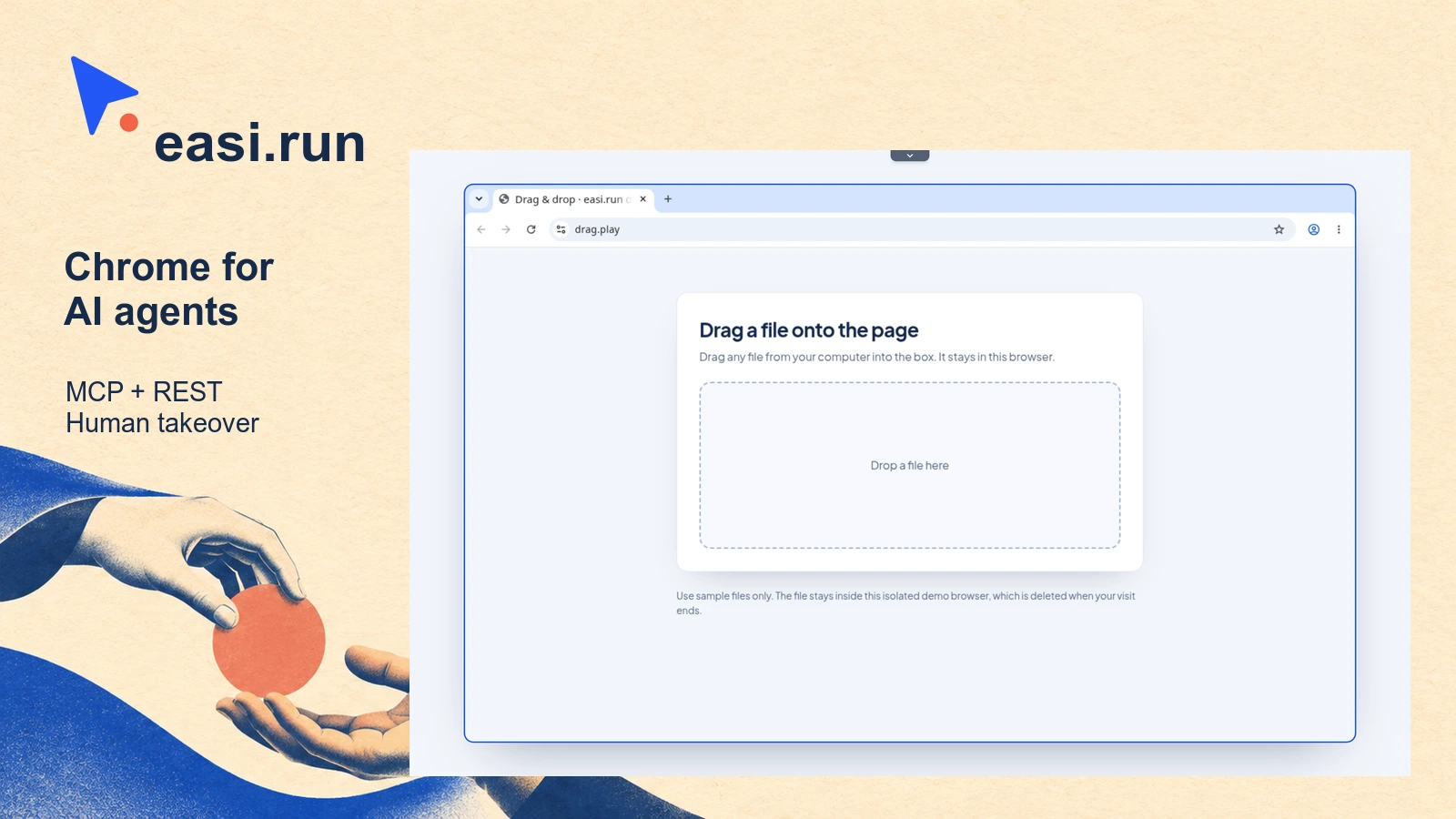
easi.run runs Google Chrome on your own server so an AI agent can work through websites while you watch. Connect Claude Code, Codex or another agent through MCP or REST, then open the session’s live viewer. When a task reaches a login or approval, you can take control of the same browser, complete the step and hand it back to the agent.
Persistent sessions keep browser profiles between runs, with saved profiles encrypted on disk. After an admin restart, you must unlock them with your password before agents can resume them. File uploads, downloads, recordings and an action timeline help you move files through a task and review what happened.
The setup needs a Linux x86_64 server with rootful Docker Engine 28 or later, at least two CPU cores and 4 GB of RAM for one browser session. More concurrent sessions need more memory. The installer uses a privileged container to change host firewall and TCP settings, so this suits developers comfortable administering a server.
Pages normally reach public HTTPS sites. DevTools scripts and CDP expand access to browser data. Scripts can read page content beyond password masking, while CDP connections bypass the normal takeover controls. Your chosen agent or model can also receive page content.
The software is free under AGPL version 3 only. You supply the server and agent, with infrastructure and model costs separate.
Deployment Strategy
Recommended ways to host easi.run in your own environment.