Monolith
Monolith combines documents, projects, connected databases and a daily dashboard on your own server, with optional addons and an MCP bridge for external agents
Overview
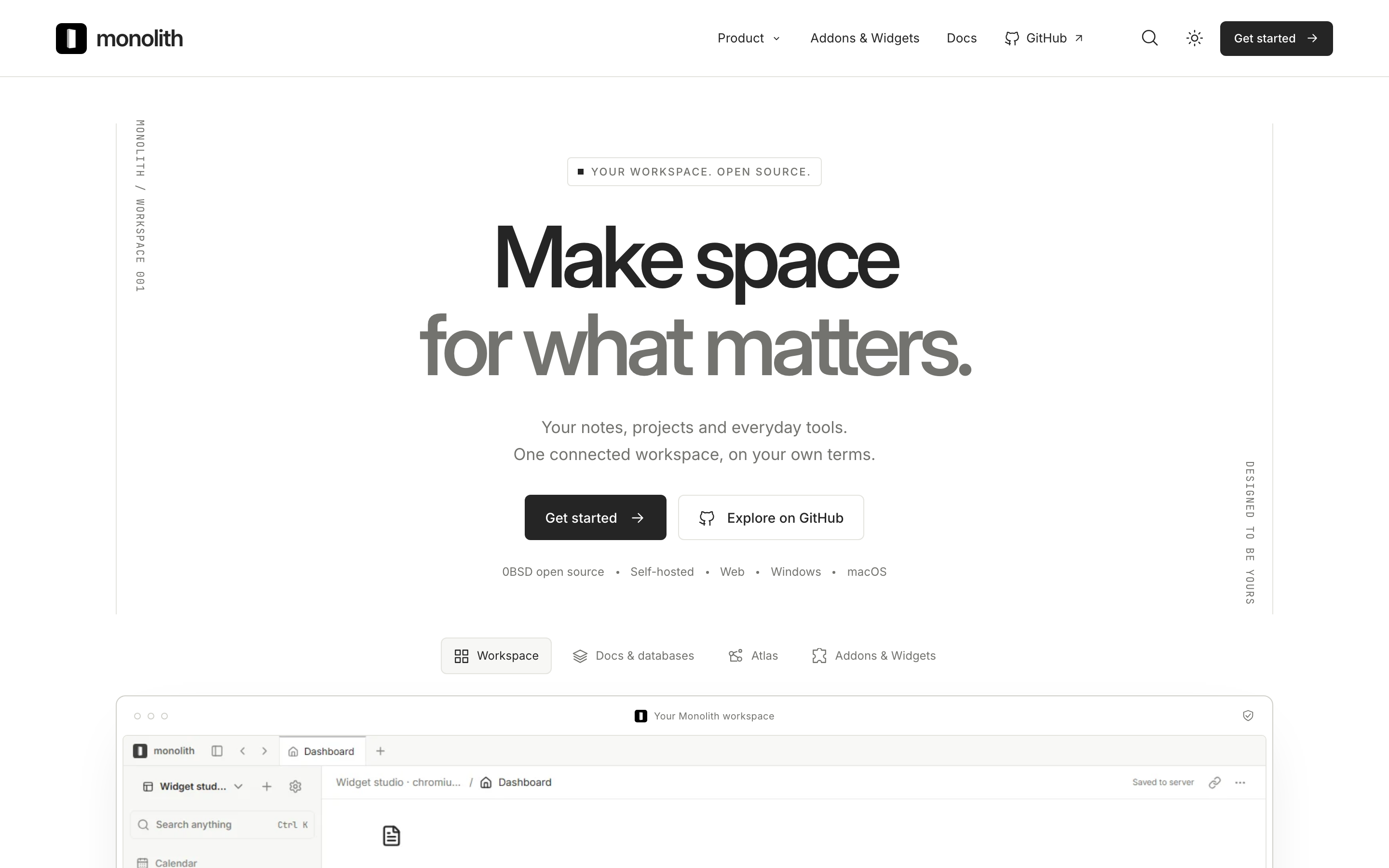
Monolith combines documents, projects and connected databases in a workspace you host yourself. You can write a project brief, organize its actions and review dated work on a calendar. Tables, boards and calendar views work with shared records, so you can change how you look at the work without maintaining separate copies.
Nested pages support references, backlinks and inline database views. A dashboard brings selected widgets together, while optional addons cover visual knowledge maps, basic automations and agent assignments. The MCP bridge and CLI connect external assistants to your workspace. The bridge starts in read mode, and writes require deliberate permission.
You run the server on Linux with Docker Compose, PostgreSQL and an HTTPS proxy. Browser, Windows and macOS clients connect to that server. You are responsible for credentials, backups and upgrades, including planned database migrations.
The maintainer reports that 100% of Monolith implementation was generated using Codex under human direction. This does not describe third-party dependency authorship or an independent audit.
Windows installers are unsigned. The macOS app is ad-hoc signed and not notarized.
Monolith is an actively developed preview. General offline synchronization and simultaneous live document editing are not promised. Its automation addon supports a limited set of steps and imports, so check your required workflow before migrating. Calls and scheduled automations need additional host configuration.
Current first party code is free under 0BSD. Third party components retain their licences, and older releases keep their original terms. Hosting and optional external services add their own costs.
Deployment Strategy
Recommended ways to host Monolith in your own environment.