Rescript
Rescript edits audio and video through a local transcript, with offline speech recognition, speaker labels, silence removal and exports for editing applications
Overview
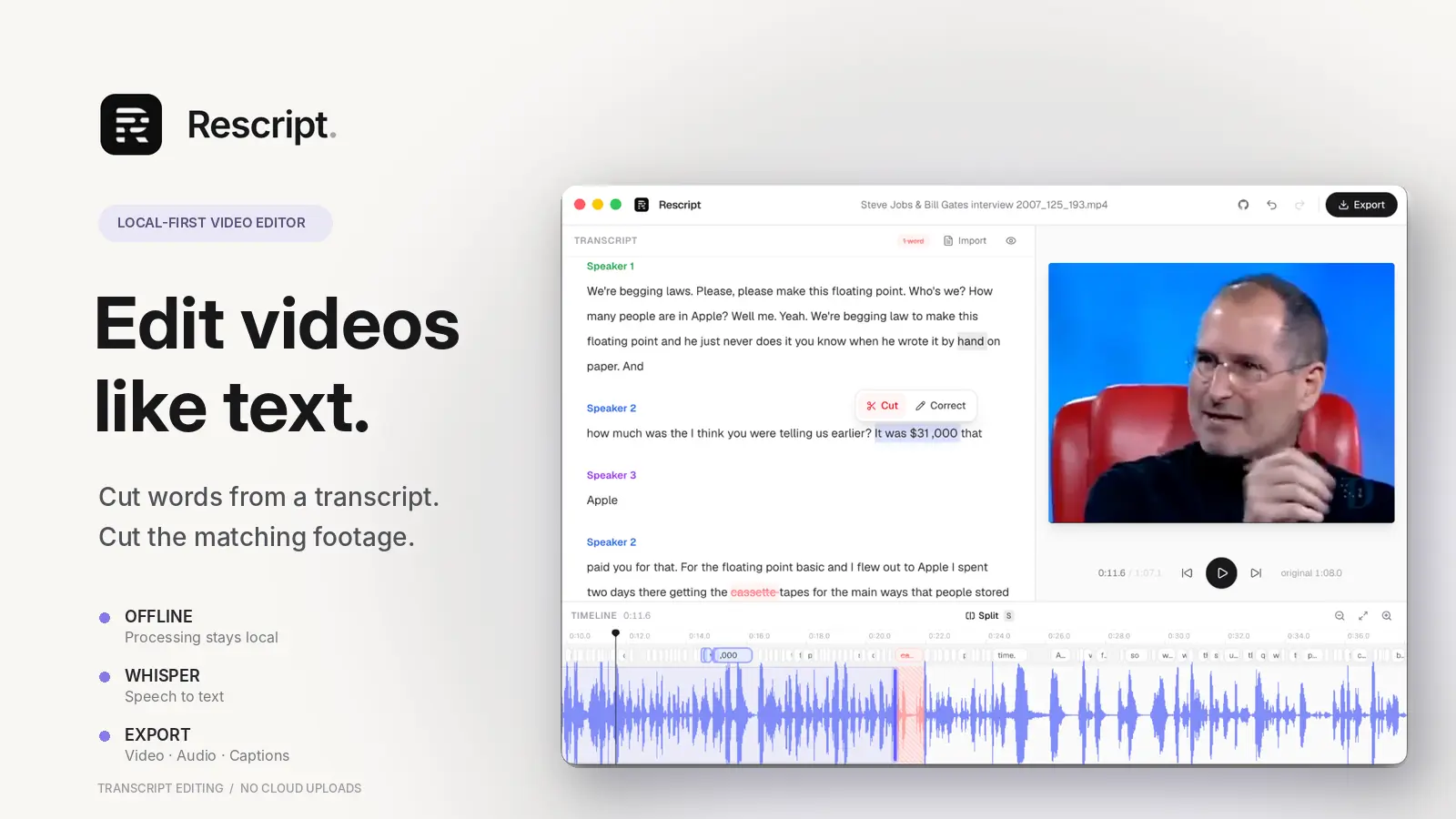
Rescript is a transcript based audio and video editor that runs processing on your own device. Import a recording, let the local speech model create a transcript, then remove words to cut the corresponding sections from the media. You can also trim clips on a timeline, adjust word timings and preview edits before exporting.
The application uses Whisper for transcription, Pyannote for speaker detection and FFmpeg for media processing. It supports filler removal, silence removal, speaker labels and imported SRT, VTT or JSON transcripts. Exports include video, audio, captions, documents and timelines for applications such as DaVinci Resolve, Premiere, Final Cut Pro and Reaper.
Rescript runs in a Chromium browser or as a desktop application for macOS, Windows and Linux. Media files stay on the device, although the application downloads model files and checks GitHub for desktop updates. Anonymous usage statistics and crash reports are enabled initially but can be disabled in the privacy settings.
The main limitation is licensing. Current releases use the PolyForm Noncommercial License, which permits personal and other noncommercial use but requires separate permission for paid client work or commercial distribution. Older MIT releases retain their original terms. The project is still young, and browser based transcription and reencoding can be demanding on memory and slower hardware.
Use Cases
Specific ways to use Rescript for your workflow.
Deployment Strategy
Recommended ways to host Rescript in your own environment.